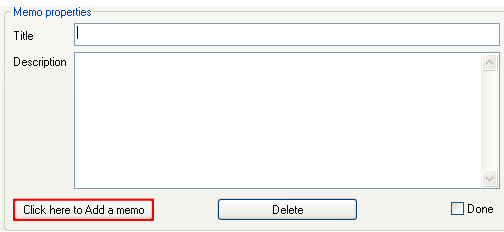
In order to add a new memo, click on the “Click here to add a memo” button within the “Memos” page.
Figure 62: Adding a new memo (step 1/2)
The following dialog window will be displayed.
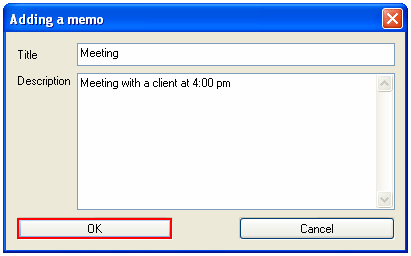
Figure 63: Adding a new memo (step 2/2)
The following parameters are available inside this screen:
Title – input field for entering the title of the memo
Description – text area for entering memo description
After setting the desired parameters, click on the “OK” button and the new memo will be added to the list, headlines menu and news ticker.
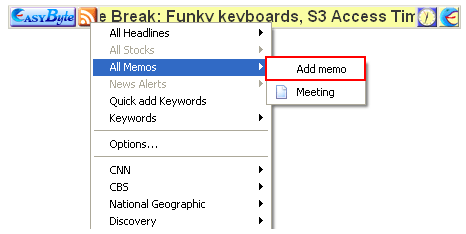
Figure 64: Memo within the headlines menu
Note: this menu also contains the option for adding a new memo.