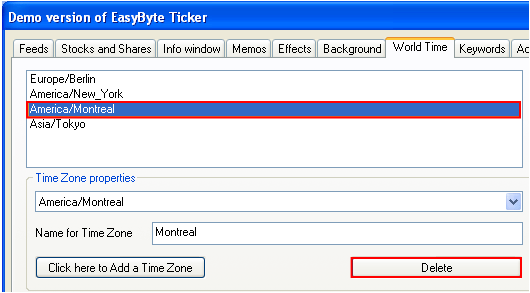
In order to delete a time zone, click on the “World Time” tab within the options screen, select the desired time zone and click on the “Delete” button.
Figure 83: Deleting the time zone
Once you click on the “Delete” button, the selected time zone will be deleted.