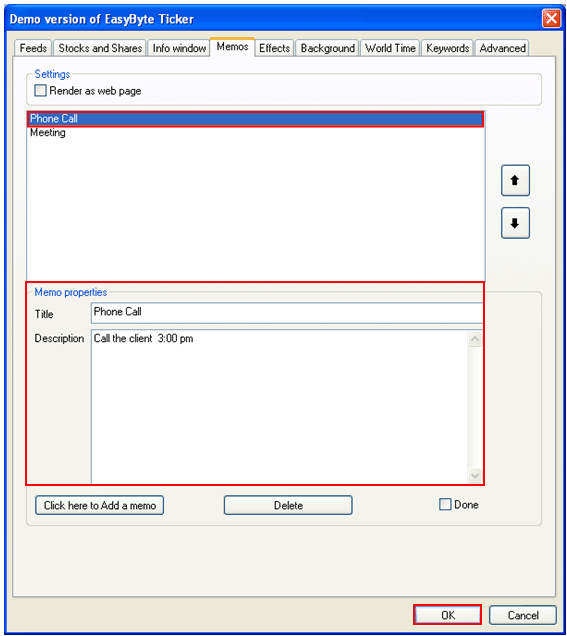
In order to edit a memo, select the desired memo in the list (from the “Memo” page), change the desired information and click on the “OK” button to save the changes.
Figure 68: Editing a memo (variant 1)
Alternatively, you can choose the desired memo from the headlines menu and click on the “Edit” button.
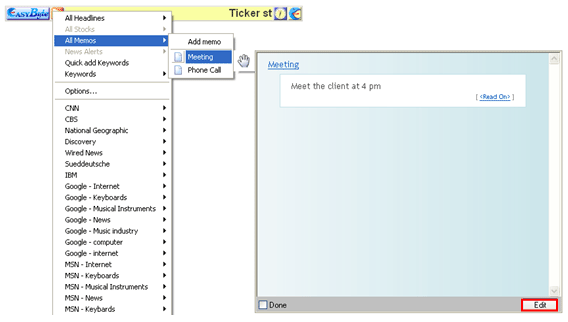
Figure 69: Editing a memo (variant 2)
The dialog window with the memo properties will be displayed.
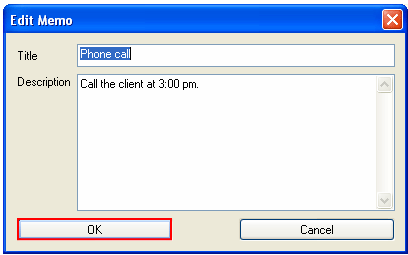
Figure 70: Editing a memo (variant 2)
Make the necessary changes and click on the “OK” button to save them.