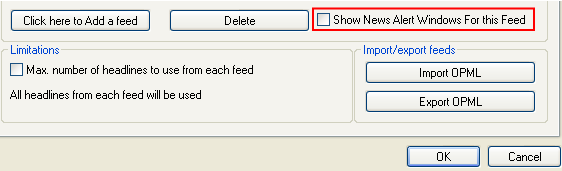
The “EasyByte News Ticker” has a news alert window feature, which can help you keep track of the news which interests you most.
In order to enable this feature, select the desired feed and then select the “Show News Alert Windows” checkbox.
Figure 48: Enabling news alert window
Once the new news item is downloaded for the selected feed, the news alert window will be displayed.
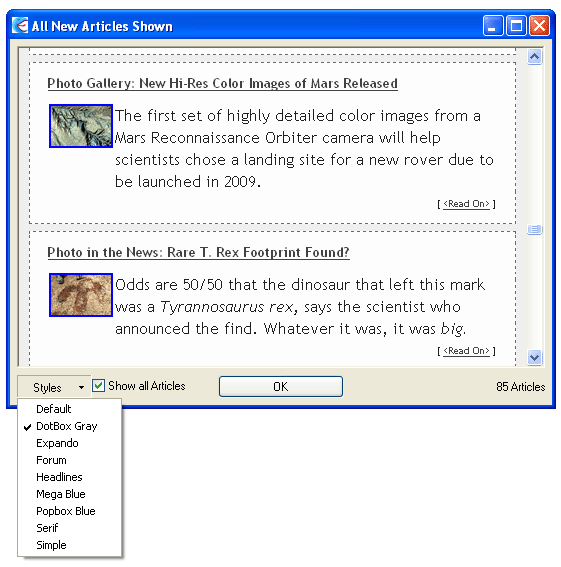
Figure 49: News alert window and available options
The following parameters are available inside this screen:
Styles – pull down menu for choosing the desired style for displaying news items
Show All Articles – select this checkbox if you wish to display all articles
After setting the desired parameters, click on the “OK” button to close this window (note: click on the title of the article or the <Read On> link to read the whole article).