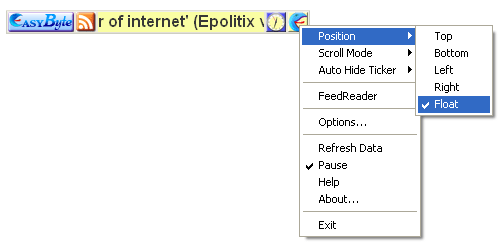
In order to make the “EasyByte News Ticker” float, choose option “Float” from the “Position” menu.
Figure 21: Making the Ticker Float (step 1/2)
The ticker will float and you will be able to change its position to any location within the screen.
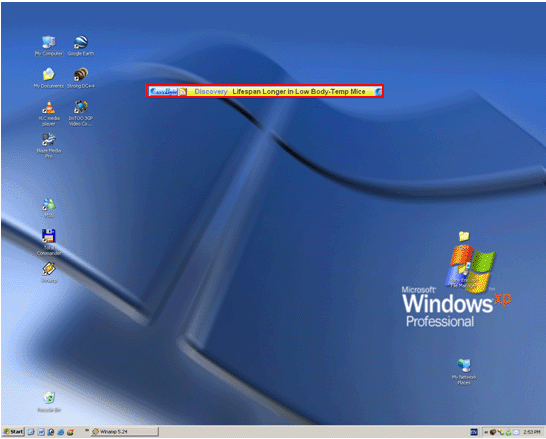
Figure 22: Making the Ticker Float (step 2/2)
Note: you can also make the ticker float by holding down the left mouse button on the scrolling area and dragging the ticker off one of the edges into the middle of the screen.