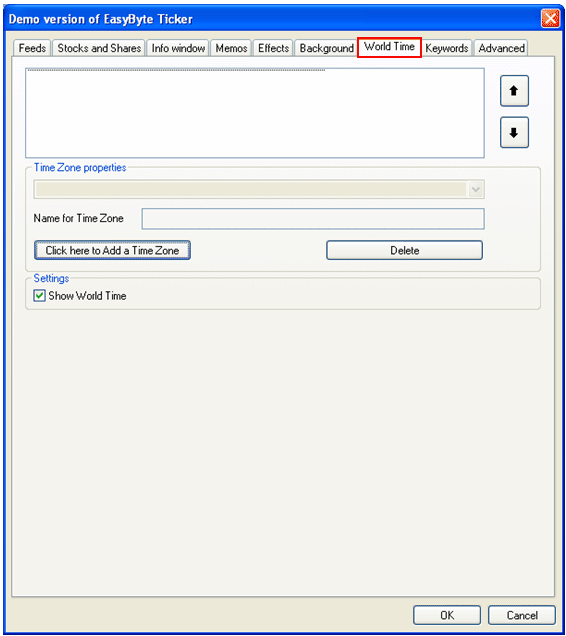
In order to start managing the world time, choose “Options” from the main menu (see Figure 35) and click on “World Time” tab.
Figure 75: Options for managing the world time
The following parameters are available inside this screen:
 - arrows for setting
the desired sort order
- arrows for setting
the desired sort order
Click here to Add a Time Zone - option for adding a new time zone (see section Adding a Time Zone)
Delete – option for deleting a time zone (see section Deleting a Time Zone)
Show World
Time – select this checkbox if you wish to display this icon
 within the ticker
interface; clicking on the icon will open up defined time zones
within the ticker
interface; clicking on the icon will open up defined time zones
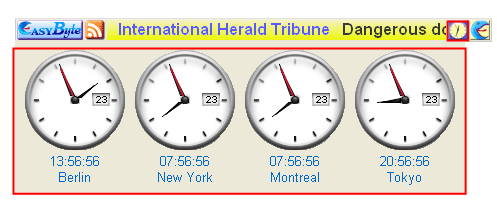
Figure 76: Example of the world time icon