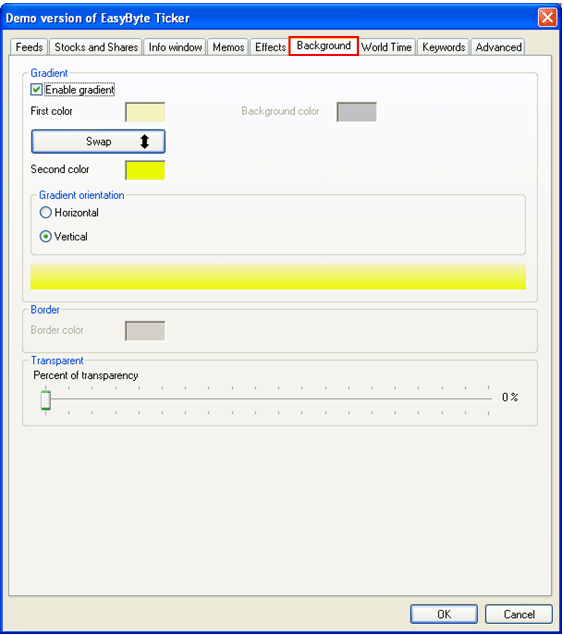
In order to start managing news ticker background, choose “Options” from the main menu (see Figure 35) and then click on “Background”.
Figure 73: Managing ticker background
Gradient
Enable gradient – select this checkbox in order to enable gradient
First color – click on the square to choose the desired first color; the color menu will be displayed
Second color – click on the square to choose the desired second color; the color menu will be displayed
Gradient orientation – options for choosing gradient orientation between:
Horizontal
Vertical
Transparent
Percent of transparency – move the slider to set the desired transparency level
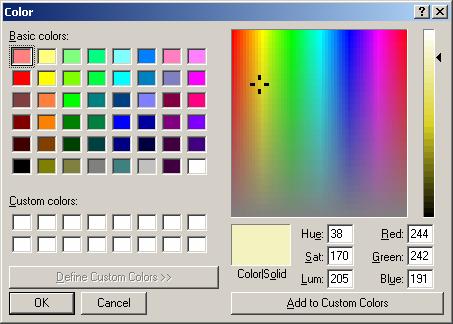
Figure 74: Color menu