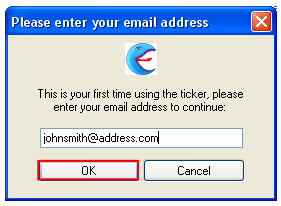
The Ticker is started for the first time immediately after successful installation. When you click on the “Finish” button to complete the installation process, the following dialog window is displayed.
Figure 1: Defining your email address
Enter your email address inside this window and click on the “OK” button to continue. The following screen will be displayed.
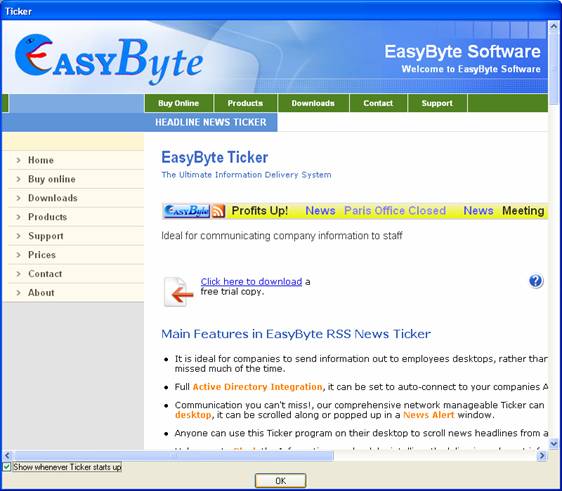
Figure 2: Reviewing information on EasyByte website
Within this screen you can review information available on the EasyByte website. Click on the “OK” button to begin defining the keywords based on which the ticker will download the feeds that interest you most.
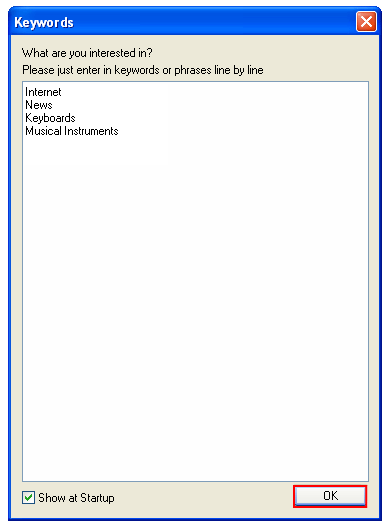
Figure 3: Initial keywords definition
Enter the keywords in phrases line by line and click on the ”OK” button. The ticker will be started.