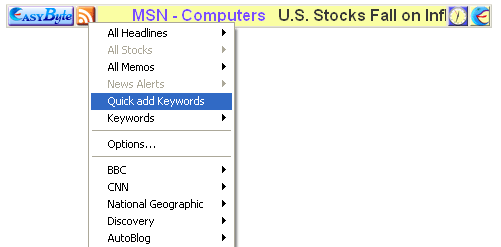
The “Quick add Keywords” option allows you to quickly defined desired keywords. In order to do so, choose the “Quick add Keywords” option from the menu.
Figure 84: Using option Quick and Keywords (step 1/2)
The following screen will be displayed.
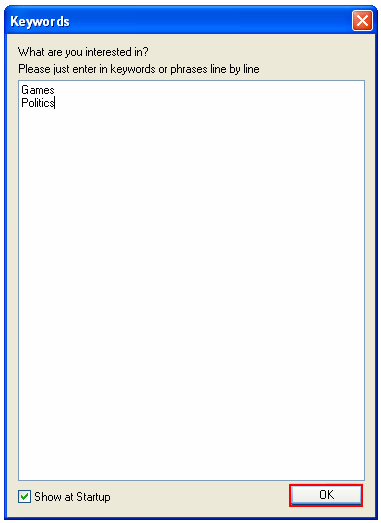
Figure 85: Using option Quick and Keywords (step 2/2)
Enter the desired keywords or phrases per line and click on the “OK” button. The keywords will be added.