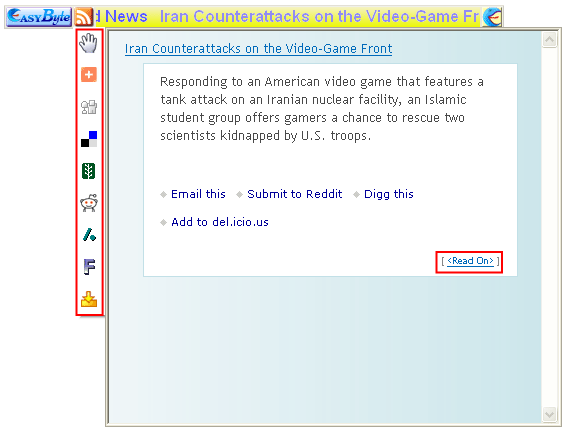
The info window also contains the buttons on the left side.
Figure 59: Viewing news item subtitle
The following options are available inside this screen:
<Read On> - click on the news title or “<Read on>” link in order to access the whole news item
 - click on the hand icon and move the
mouse to detach the preview window from the ticker
- click on the hand icon and move the
mouse to detach the preview window from the ticker
 - this icon will be displayed once you
detach the preview window from the ticker and can be used to attach it
back to the ticker
- this icon will be displayed once you
detach the preview window from the ticker and can be used to attach it
back to the ticker
 - the menu on the left contains icons for
adding the loaded article to one of the social bookmarking services such
as del.ici.ous (http://en.wikipedia.org/wiki/Social_bookmarking)
- the menu on the left contains icons for
adding the loaded article to one of the social bookmarking services such
as del.ici.ous (http://en.wikipedia.org/wiki/Social_bookmarking)