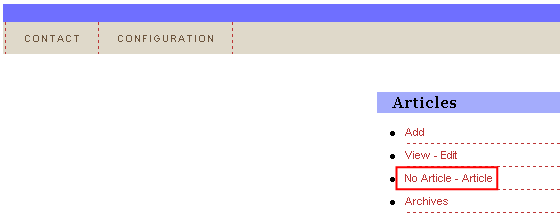
In order to add an article (text) which will be displayed in case no article has been defined yet, choose option “Articles” from the main menu and click on the “No Article - Article” link within the “Articles” menu.
Figure 10: Defining text displayed in case there are no articles (step 1/3)
The following screen will be displayed.
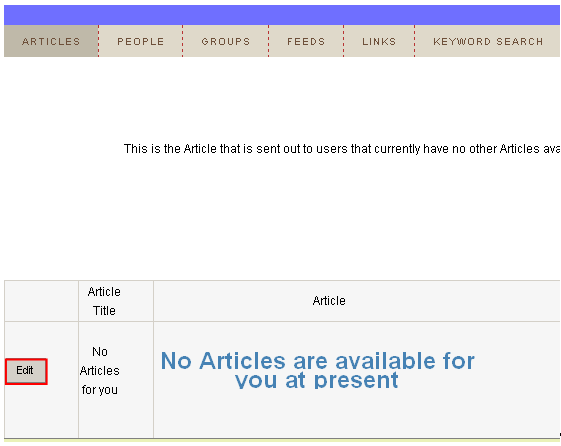
Figure 11: Defining text displayed in case there are no articles (step 2/3)
Click on the “Edit” button inside this screen and the WYSIWYG (What You See Is What You Get) editor will be opened where you can define the desired text.
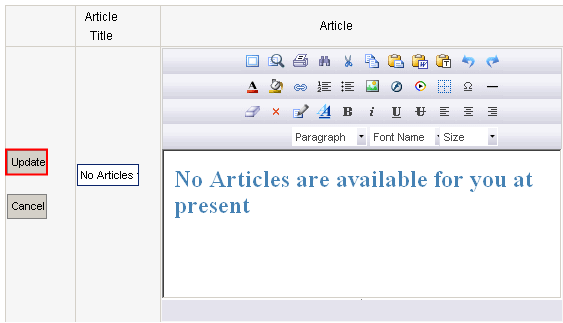
Figure 12: Defining text displayed in case there are no articles (step 3/3)
Define the desired text which will be displayed in case no article has been defined and click on the “Update” button to save the changes.