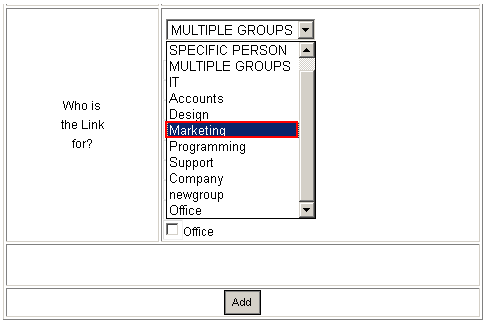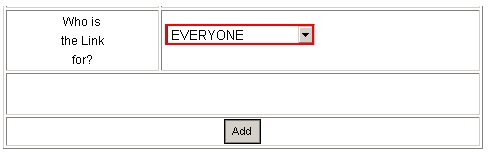
The “Who is the Link for” contains multiple options you can use in order to determine who will be able to see the defined URL. This section will give the definition of all possible options.
Everyone – choose this option to display the URL to all available users
Figure 54: Choosing who the link is for
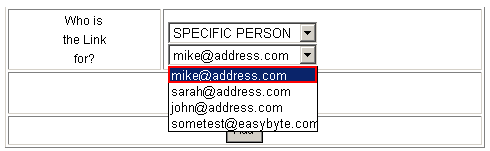
Specific person – if you want to make the URL viewable to a specific person, choose option “SPECIFIC PERSON” and the pull down menu will be refreshed; once refreshed, you will be able to choose the desired person
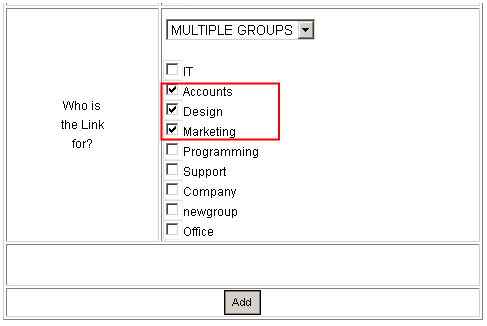
Multiple Groups – select this option if you wish to make the URL viewable to more than one group; the screen will be refreshed so you could choose the desired groups
Specific Group – if you wish to make the URL viewable to a specific group, choose the desired group from the menu