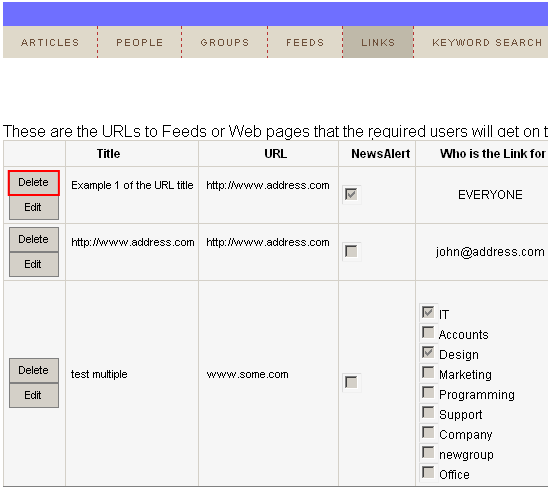
In order to delete an URL, choose option “Links” from the main menu and click on the “View - Edit”. The following screen will be displayed.
Figure 60: Deleting an URL (step 1/2)
Click on the “Delete” button next to the link you wish to delete and the following confirmation dialog will be displayed.
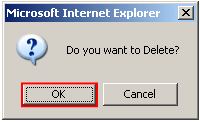
Figure 61: Deleting an URL (step 2/2)
Click on the “OK” button to confirm the deletion and the URL will be deleted.