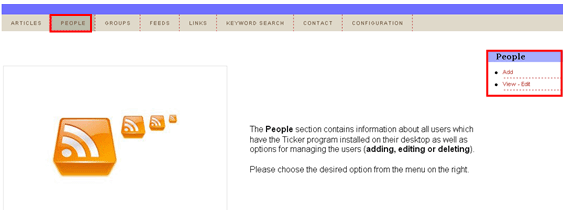
In order to start managing the people section, choose option “People” from the main menu.
Figure 18: Options for managing “People” section
The following options are available inside this screen:
Add – option for adding a new person (see section Adding a new person)
View – Edit – option for viewing or editing an existing person (see section Editing an existing person)