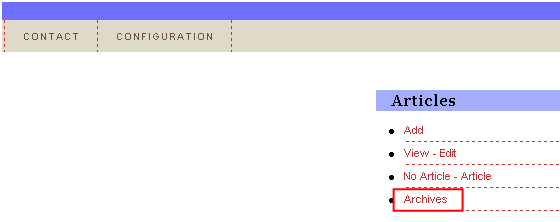
The “Archives” section is used for storing the article you do not wish to display to the users, but also do not want to delete as you may need them in the future. In order to access the article archive, click on the “Archives” link within the secondary menu of the “Article” section.
Figure 13: Choosing option "Archives
The following screen will be displayed.
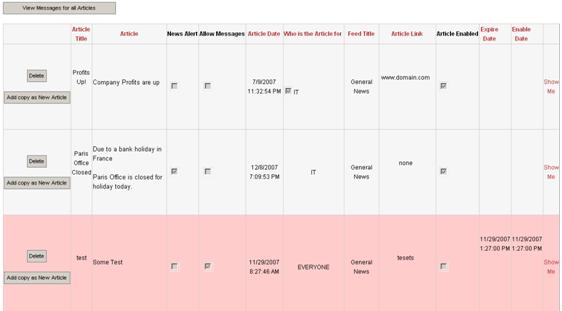
Figure 14: Managing the archive
The following options and parameters are available inside this screen:
Add copy as New Article – use this option to create a new article on the basis of this archived one; all of the parameters of the archived article will be already filled within the screen for creating a new article (see section Adding a new article for further information about creating new articles)
Delete – for further information on deleting the article consult section Deleting an article
For details on the rest of the available parameters, see section Adding a new article