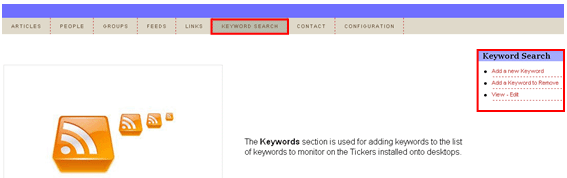
The Keywords section is used for adding keywords to the list of keywords so those could be monitored on the Tickers installed onto desktops. In order to start managing the keywords, click on “Keyword Search” in the main menu.
Figure 62: Managing keywords
The following options are available within the Keyword search menu
Adding a new keyword – option for adding a new keyword (see section Adding a new keyword)
Add a keyword to remove – option for removing a keyword (see section Removing a keyword)
View – Edit – option for editing or deleting a keyword (see section Editing a keyword and Deleting a keyword)