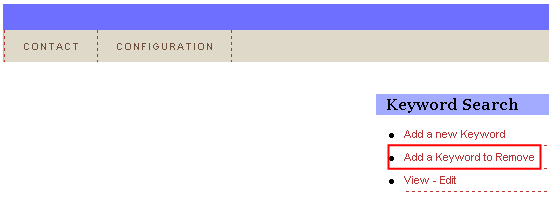
In order to remove a keyword, choose option “Keyword Search” from the main menu and click on the “Add a Keyword to Remove” link within the “Keyword Search” menu.
Figure 66: Removing a keyword (step 1/3)
The following screen will be displayed.
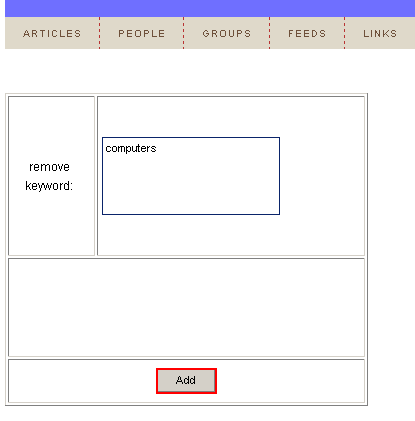
Figure 67: Removing a keyword (step 2/3)
Enter the keyword you wish to remove inside the “remove keyword” text area and click on the “Add” button. The screen will be refreshed containing the “Successfully Added” confirmation.
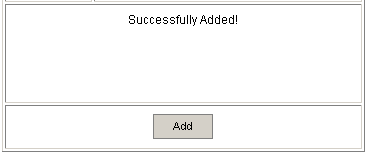
Figure 68: Removing a keyword (step 3/3)