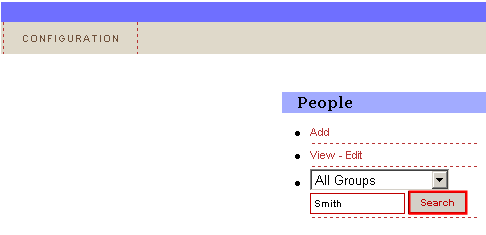
The search functionality is available within the screen for editing the existing persons.
Figure 25: Searching for the desired person
In order to search for the person, choose the group the person belongs to (or just leave the default setting “All Groups”), enter the keyword e.g. “Smith” and click on the “Search” button. The screen with the search results will be displayed in case the criteria have been met.
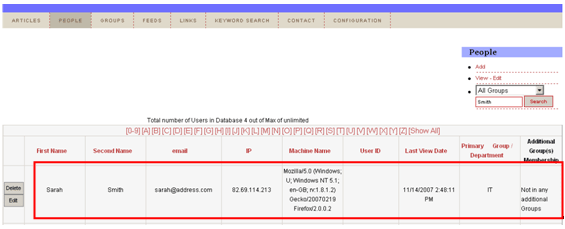
Figure 26: Search results